
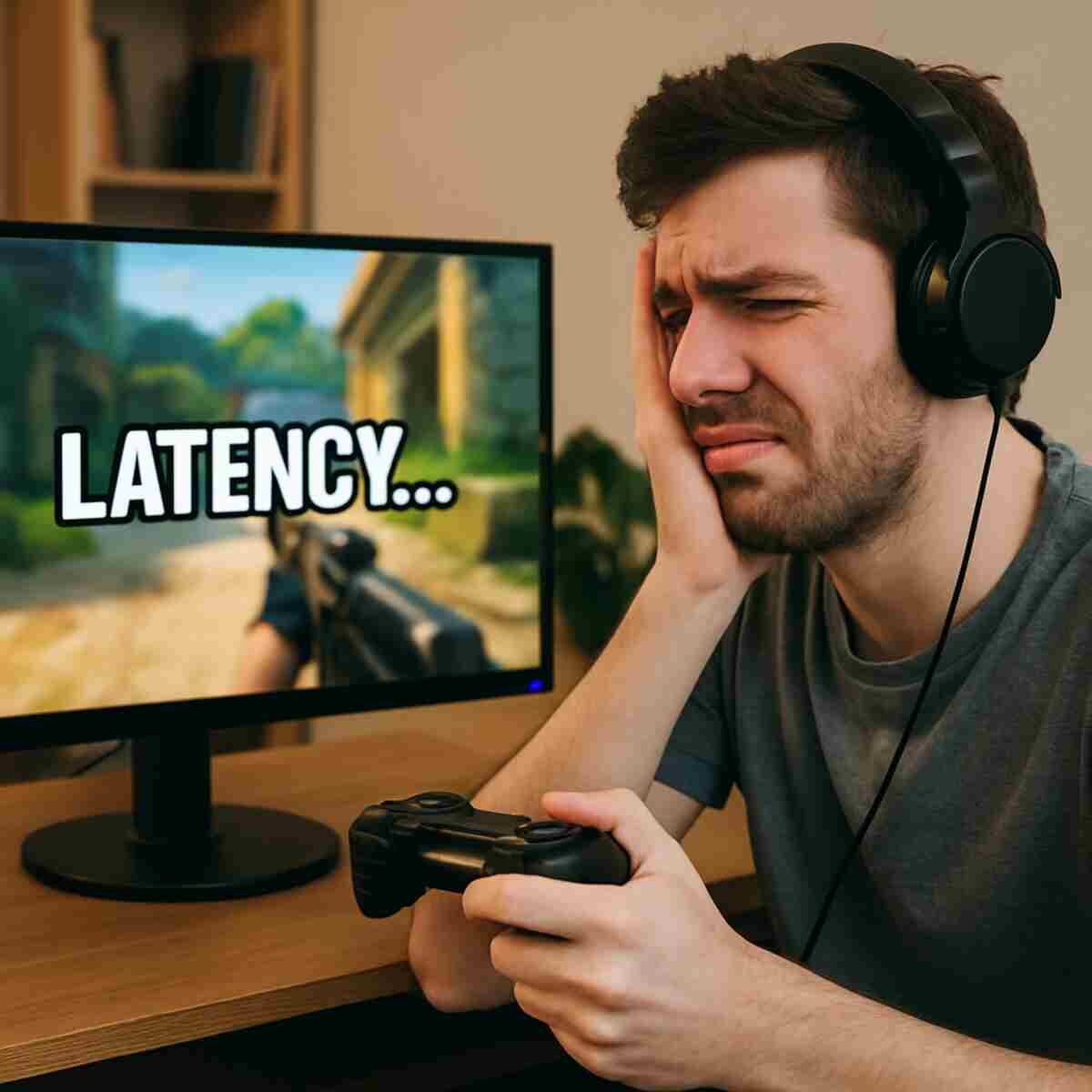

Before we get into the nitty-gritty of how to fix latency in online games, it’s important to understand what latency is. In simple terms, latency is the delay between your actions in the game and the response of the game server. High latency, often referred to as “lag,” can make your game feel slow and unresponsive. To know more, check out wintersundesign.com
Defining Latency and Its Impact
Latency in gaming is the time it takes for data to travel from your device to the game server and back. In fast-paced games, even a slight delay can mean the difference between victory and defeat. Understanding the technical aspects can help in identifying the root cause of any issues you face.
Types of Latency
There are various types of latency that can affect your gaming experience. Input latency refers to the delay between a player’s input and the game’s response. Network latency is the delay caused by your internet connection. Display latency involves the delay between the image being generated by your system and its display on the screen.
Measuring Latency
Tools to measure latency are readily available and can provide insight into your connection’s performance. Ping tests can offer a quick snapshot of latency by measuring the time it takes for data to travel to a server and back. Understanding these metrics is crucial in diagnosing and addressing latency issues.
Why Does Latency Happen?
Latency issues can arise from a variety of factors. Here are some common culprits:
Internet Connection
A slow or unstable internet connection is one of the primary causes of high latency. Gamers should ensure they have a reliable ISP and consider the impact of bandwidth on latency. High usage times can strain the connection, causing increased latency.
Network Congestion
Too many devices using the same network can lead to congestion, causing delays. Congestion occurs when the network’s demand exceeds its capacity, especially during peak hours. Managing network traffic effectively can help alleviate this issue.
Server Distance
The physical distance between your device and the game server can affect latency. The farther the server, the higher the latency. Choosing servers closer to your location can significantly reduce latency, enhancing your gaming experience.
Hardware Limitations
Sometimes, outdated or insufficient hardware can contribute to latency issues. Ensuring your gaming setup meets the necessary requirements can mitigate latency problems. Regularly upgrading your hardware can also keep latency at bay.
Tips to Reduce Latency in Games
Now that we’ve covered the basics, let’s look at some practical tips to tackle latency issues and enhance your gaming experience.
1. Upgrade Your Internet Connection
A fast and stable internet connection is crucial for online gaming. Consider upgrading to a high-speed broadband connection if you’re experiencing frequent latency issues. Fiber-optic connections are often the best choice for gamers.
Selecting the Right ISP
Choosing an ISP that caters to gamers can make a significant difference. Look for providers that offer low-latency connections and prioritize gaming traffic. Reading reviews and comparing plans can help you make an informed decision.
Understanding Bandwidth
Bandwidth refers to the maximum rate at which data can be transferred over your internet connection. Ensure that your plan offers sufficient bandwidth to handle gaming alongside other online activities. Consider the number of devices connected simultaneously.
The Role of Fiber Optics
Fiber-optic internet is known for its low latency and high speeds. If available, it can provide a seamless gaming experience, especially in competitive online games. The reliability of fiber-optics makes it a preferred choice for serious gamers.
2. Optimize Your Network
- Use a Wired Connection: Whenever possible, use an Ethernet cable instead of Wi-Fi. Wired connections are generally faster and more reliable.
Benefits of Wired Connections
Wired connections reduce the risk of interference and packet loss, common issues with wireless networks. They provide a direct link to your router, ensuring stable data transfer, which is critical for latency-sensitive applications like gaming.
Reducing Network Interference
Wi-Fi signals can be disrupted by physical obstacles, electronic devices, and even other wireless networks. To minimize interference, place your router in an open area and away from potential sources of disruption. Choosing the right Wi-Fi channel can also help.
Implementing Quality of Service (QoS)
Quality of Service (QoS) settings on your router can prioritize gaming traffic, ensuring low latency. Configuring QoS may involve assigning higher priority to gaming data over other types of traffic, reducing lag during online play.
3. Choose the Right Server
Many online games allow you to select a server. Choose a server that is geographically closer to you to reduce latency. Some games also display the ping (latency) to each server, helping you make an informed decision.
Understanding Server Locations
Game servers are often spread across different regions. Selecting a server in your region can drastically lower latency. Familiarize yourself with the game’s server options and choose the one offering the lowest ping.
Monitoring Server Performance
Game servers can experience their own issues, affecting performance and latency. Regularly check server status and updates from the game developers to ensure you’re connecting to the most stable option available.
The Role of Private Servers
Some games offer private servers, which can provide more stable and lower-latency connections. These servers are often managed by communities or third-party providers, offering alternative options for gamers seeking better performance.
4. Update Your Hardware
- Upgrade Your Router: If your router is outdated, consider upgrading to a newer model that supports higher speeds and better performance.
Evaluating Your Router
Your router plays a pivotal role in managing your internet connection. If it’s outdated, it might not support the latest technologies essential for gaming. Consider routers designed for gaming, which offer advanced features like enhanced QoS.
Assessing Your Gaming Device
Ensure your gaming device meets the minimum system requirements of the game. Outdated hardware can bottleneck performance, leading to increased latency. Regularly update your hardware components like RAM and graphics cards to keep up with the demands of modern games.
Importance of Peripheral Devices
High-quality peripherals such as gaming mice, keyboards, and monitors can reduce input latency, enhancing your overall gaming experience. While these don’t directly impact network latency, they contribute to a smoother, more responsive gameplay.
5. Close Background Applications
Running multiple applications while gaming can consume bandwidth and processing power, leading to increased latency. Close unnecessary programs and background apps to free up resources.
Managing System Resources
Background applications can hog system resources, impacting game performance. Use task managers or system monitors to identify and close resource-heavy applications running in the background.
Bandwidth Management
Programs that automatically update or sync can consume bandwidth without you realizing it. Schedule updates for non-peak times and disable automatic syncing to ensure your gaming session isn’t interrupted by bandwidth-heavy tasks.
Streamlining Startup Programs
Reduce the number of programs that start when you boot your computer. This not only speeds up startup times but also ensures that your system is optimized for gaming, with unnecessary applications not consuming valuable resources.
6. Optimize Game Settings
- Lower Graphics Settings: Reducing graphics settings can improve performance and reduce latency, especially on older systems.
Balancing Performance and Visuals
Finding the right balance between performance and visual quality is crucial. Lowering graphics settings such as shadows, textures, and anti-aliasing can boost frame rates, reducing perceived latency in games.
Utilizing Built-in Game Modes
Many modern games come with built-in optimization settings tailored for different system configurations. Utilize these presets to quickly adjust settings for optimal performance without manually tweaking every option.
The Impact of Resolution
Lowering the resolution can significantly enhance performance, reducing latency. While it may affect visual fidelity, the trade-off can be worth it for a smoother gaming experience, especially in competitive scenarios.
7. Use a Gaming VPN
A gaming VPN can provide a more direct and secure connection to game servers, reducing latency. Look for VPNs that are optimized for gaming and offer a network of servers close to your location.
Benefits of Gaming VPNs
Gaming VPNs can bypass ISP throttling, providing a more stable connection. They also offer added security, reducing the risk of DDoS attacks that can cause severe lag during online play.
Choosing the Right VPN
Not all VPNs are created equal, especially for gaming. Look for services specifically designed for low-latency gaming, with servers located in key regions. Test different VPNs to find the one that offers the best performance for your needs.
Configuring Your VPN for Gaming
Ensure your VPN is properly configured to minimize latency. This might involve choosing the fastest available server or using specific protocols designed for speed and reliability in gaming scenarios.
8. Regular Maintenance
- Restart Your Router: Occasionally restarting your router can clear temporary issues and improve connection quality.
Importance of Regular Router Reboots
Routers can benefit from regular reboots to clear temporary caches and resolve minor connectivity issues. Schedule regular reboots to maintain optimal performance and prevent potential latency spikes.
Keeping Software and Drivers Updated
Software updates often include performance improvements and bug fixes that can reduce latency. Regularly update your game, operating system, and drivers to ensure you’re benefiting from the latest enhancements.
Monitoring Network Performance
Use network monitoring tools to keep an eye on your connection’s performance. Identifying patterns or recurring issues can help you address them proactively, maintaining a low-latency gaming experience.
Troubleshooting Common Latency Issues
Sometimes, despite your best efforts, latency issues persist. Here’s a quick troubleshooting guide:
Checking for Outages
Sometimes, the problem might be with the game server itself. Check online forums or the game’s official website for outage reports. These resources can provide insights into server status and ongoing issues affecting latency.
Testing Your Connection
Use online tools to test your internet speed and latency. This can help identify if the issue is with your connection. Regular tests can also help track improvements or identify new problems.
Consulting Your ISP
If latency issues are frequent, contact your Internet Service Provider for assistance. They might offer solutions like adjusting your connection settings or providing a higher-speed plan. Collaboration with your ISP can lead to significant improvements in your gaming experience.
Final Thoughts
Latency in online games can be frustrating, but with these tips, you’re well-equipped to tackle the issue head-on. Whether it’s optimizing your network, upgrading your hardware, or tweaking game settings, each step can contribute to a smoother gaming experience. Now, go ahead and enjoy your gaming sessions without the lag!
Remember, the key is to experiment with different solutions and find what works best for your specific setup. Happy gaming!
