

You just set up a new Xbox. Your kid is excited to play with their friends, but when they try to join an online game, a message about ‘Game Pass’ pops up. It can be confusing. Don’t worry. This guide will explain everything in plain English so you can get online in minutes without overspending. To know more, check out UFA350
The good news is that for many of the world’s most popular games, you don’t need any subscription at all. These are known as “Free-to-Play” games, and a simple rule applies: if a game is free to download from the Xbox store, it’s also free to play online. You won’t need to pay for online multiplayer access with these titles.
If your child is asking to play Fortnite or Roblox, you do not need a subscription for Fortnite on Xbox or for the other titles like it. Microsoft changed its policy to ensure that playing free games online is truly free, a move that makes getting started on the console much easier and can immediately save you money.
This approach to online multiplayer without Game Pass Ultimate applies to a huge number of titles. In fact, many of the most-played games fall into this category. Here is a short Xbox free-to-play online games list to see if your game is included:
- Fortnite
- Roblox
- Call of Duty: Warzone
- Apex Legends
- Rocket League
- Fall Guys
- Overwatch 2
The Online Pass: What is Game Pass Core for Paid Games?
While it’s fantastic that many popular titles are free to play online, what about the games you actually purchase, like Minecraft or the latest Madden? For these types of games, you will need a subscription to access online multiplayer. This essential online pass is called Game Pass Core. Think of it as the key that unlocks the door to playing with friends in the games you already own, which is its primary benefit.
If you’re returning to Xbox after a break, you might be wondering, is Xbox Live Gold now Game Pass Core? The simple answer is yes. Microsoft replaced the long-running Xbox Live Gold service with Game Pass Core in late 2023. While the name is new, its main purpose is the same one that players have known for years: it’s the subscription you need to play your purchased games online.
This subscription is specifically designed for the player who is happy with the games they already have. If your main goal is to hop into a match of EA Sports FC 24 with a friend or continue building a world with family in Minecraft, then Core provides exactly what you need without any extra frills. It’s the most direct path for how to play online with Game Pass Core—you just subscribe, and the online modes in your paid games become available.
Ultimately, Game Pass Core is the most straightforward and budget-friendly choice if your only goal is to unlock online multiplayer. However, if you’re the kind of player who loves discovering new games and wants access to a huge library without buying each title individually, Microsoft offers an all-in-one package that bundles online play with much more.
The All-in-One Bundle: What Do You Get with Game Pass Ultimate?
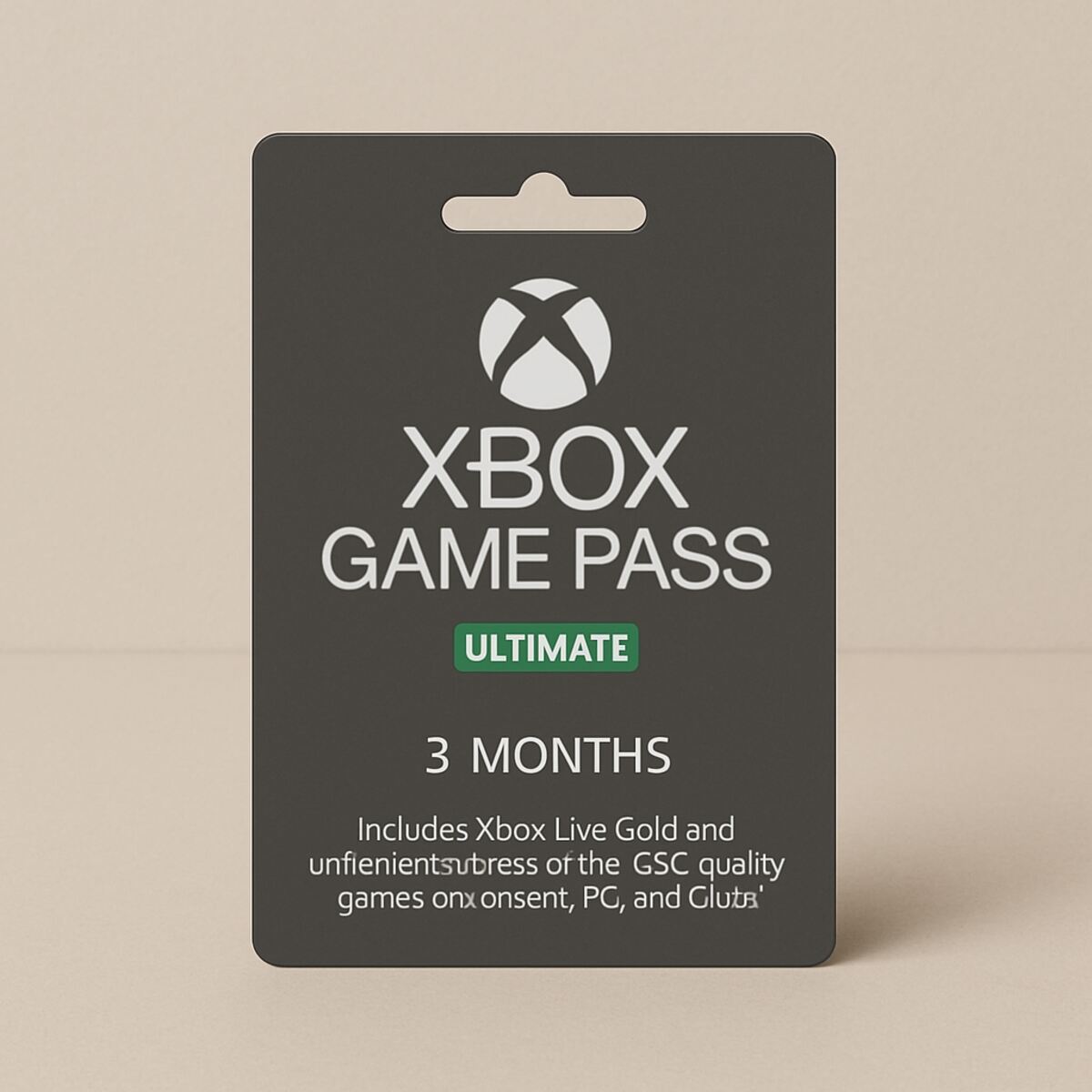
For players who want more than just the ability to play online, Microsoft offers an all-inclusive option: Game Pass Ultimate. This is the top-tier subscription, and to answer the most common question upfront: yes, Game Pass Ultimate does include online access. It contains everything from Game Pass Core and then adds a whole lot more on top.
The biggest and most exciting benefit of Ultimate is its massive, rotating game library. The easiest way to think about it is like Netflix, but for video games. Instead of buying new games for $60 or $70 each, your subscription gives you access to download and play hundreds of different titles. This includes huge blockbuster games like Starfield, family-friendly hits, and even brand-new releases from Microsoft’s own studios the day they launch.
So, what exactly is packed into this bundle? Game Pass Ultimate combines several services into one monthly payment:
- Online Multiplayer: You get everything included in Game Pass Core, so you’re all set to play online with friends.
- A Huge Game Library: Access to a library of hundreds of games to download and play on your Xbox console.
- PC Game Pass & More: It also includes a similar game library for a Windows PC and other perks, like a bonus catalog of games from EA Play.
This all-in-one approach is perfect for families with diverse tastes or any gamer who simply loves to explore. The value of the benefits of Game Pass for online gaming shifts from just playing online to discovering an entire world of games to play online. If you want to try lots of different titles without the risk or commitment of buying each one, Ultimate is designed for you.
Game Pass Ultimate rolls your online pass and a massive game library into a single, convenient package, offering the most features and content. But this brings up the most important question for your wallet: is it actually worth the extra cost compared to the basic Core subscription?
Is Game Pass Ultimate Worth The Extra Cost? A Simple Breakdown
Is Game Pass Ultimate worth the higher price? The difference in cost is significant. Game Pass Core is the most budget-friendly way to get online, typically costing around $10 per month. Game Pass Ultimate, with its massive game library, comes in at about $17 per month. While that extra $7 a month might seem small, it adds up over a year, so it’s smart to know exactly what you’re getting for your money and whether you’ll actually use it.
The real value of Ultimate depends on one simple thing: how many new games do you or your family plan to buy each year? A brand-new, full-priced game usually costs around $70. The extra cost for Ultimate over Core is roughly $84 for a full year. This means that if you were already planning to buy just two new, full-priced games that are included in the Game Pass library, the Ultimate subscription has essentially paid for itself—and then some. The debate over Game Pass Core vs Ultimate for multiplayer becomes a question of your total gaming budget.
Imagine you know you want to buy the latest big holiday release and maybe one other major game for yourself or your kids during the year. The cost of just those two titles would likely exceed the extra money you’d spend upgrading from Core to Ultimate. By choosing Ultimate, you not only get those games but also gain access to hundreds of others to try for no additional charge. For families who want variety, this dramatically lowers the overall cost to play Xbox online and explore new titles.
Ultimately, the choice comes down to your gaming habits. If you are happy playing one or two specific games you already own, like Minecraft or Call of Duty, then Game Pass Core is the most economical way to play online. You can have online multiplayer without Game Pass Ultimate and save money. But if you love discovering new games, want access to major releases on day one, and would otherwise buy two or more new games a year, Game Pass Ultimate offers undeniable value.
A Quick Guide: Which Xbox Subscription Is Right for Me?
All the options can feel a bit overwhelming, but the choice between Core and Ultimate really boils down to your personal gaming style. The right answer depends on whether you are a focused player who sticks to a few favorites or a curious explorer who loves variety. To figure out what subscription is needed for Xbox multiplayer in your home, this simple checklist will give you a clear and confident answer.
To settle the Game Pass Core vs Ultimate for multiplayer debate for your household, just see which of these descriptions sounds more like you:
Choose Game Pass Core if…
- You mainly want to play games you already own (like Minecraft, Madden, or Call of Duty) online with friends.
- Your primary goal is to enable online multiplayer for the lowest possible cost.
- You don’t plan on buying many new games or are happy to buy them individually.
Choose Game Pass Ultimate if…
- You and your family love discovering and trying lots of different games without having to buy each one.
- You plan on getting at least two brand-new games a year that are included in the Game Pass library (making the subscription pay for itself).
- You want the best all-in-one package that includes online play, a huge “Netflix for games” library, and other bonus perks.
In the end, your decision is a trade-off between minimum cost and maximum value. Game Pass Core is the simple, budget-friendly key that unlocks online multiplayer. Game Pass Ultimate is the all-access pass that not only gets you online but also opens the door to a massive world of games. The added benefits of Game Pass for online gaming, like a huge library, often make Ultimate the better deal for active players.
How to Start Your Subscription: A 3-Step Guide
Great, you’ve picked the perfect plan for your family! Now for the easy part: activating it. You can do this directly from your couch in just a couple of minutes. This guide will show you exactly how to get Game Pass and unlock online play without any guesswork.
With your Xbox turned on and your controller in hand, you’re just a few button presses away. The following steps will take you straight to the subscription page, so you don’t have to hunt through any confusing menus.
- Press the Xbox button on your controller (the big, glowing ‘X’) to open the main guide menu.
- Navigate over to the ‘Store’ tab, and from that screen, select the ‘Subscriptions’ option.
- Choose your plan (‘Game Pass Core’ or ‘Game Pass Ultimate’) and follow the simple on-screen instructions to confirm your purchase.
Once your payment is confirmed, your subscription is active immediately. That’s it! There are no codes to enter or extra downloads to wait for. You’ve met the Xbox multiplayer subscription requirements and can now jump right into your favorite games to play online with friends. You now know exactly how to play online with Game Pass Core or Ultimate.
Your Clear Path to Playing Online on Xbox
Navigating the world of online gaming subscriptions can feel like a puzzle, but you now hold the solution. While the difference between Game Pass tiers can seem like a blur of confusing options, you can now clearly see the distinct paths available, empowering you to match the right service to your specific gaming style and budget.
The core logic is surprisingly simple. To play free games like Fortnite, you need nothing. To play paid games you own online, you need Game Pass Core. And if you’re interested in exploring Game Pass for its huge library of games in addition to online play, you need Game Pass Ultimate. Understanding the benefits of Game Pass for online gaming really just boils down to those three straightforward choices.
You no longer have to guess or worry about overspending. With this knowledge, you can choose the right plan without confusion and get back to what matters: jumping into a game. Whether your next step is firing up a free-to-play favorite or activating the perfect subscription for your needs, the path forward is clear. Enjoy the game.
